Billing Live
Freight billing that checks the paperwork before the invoice
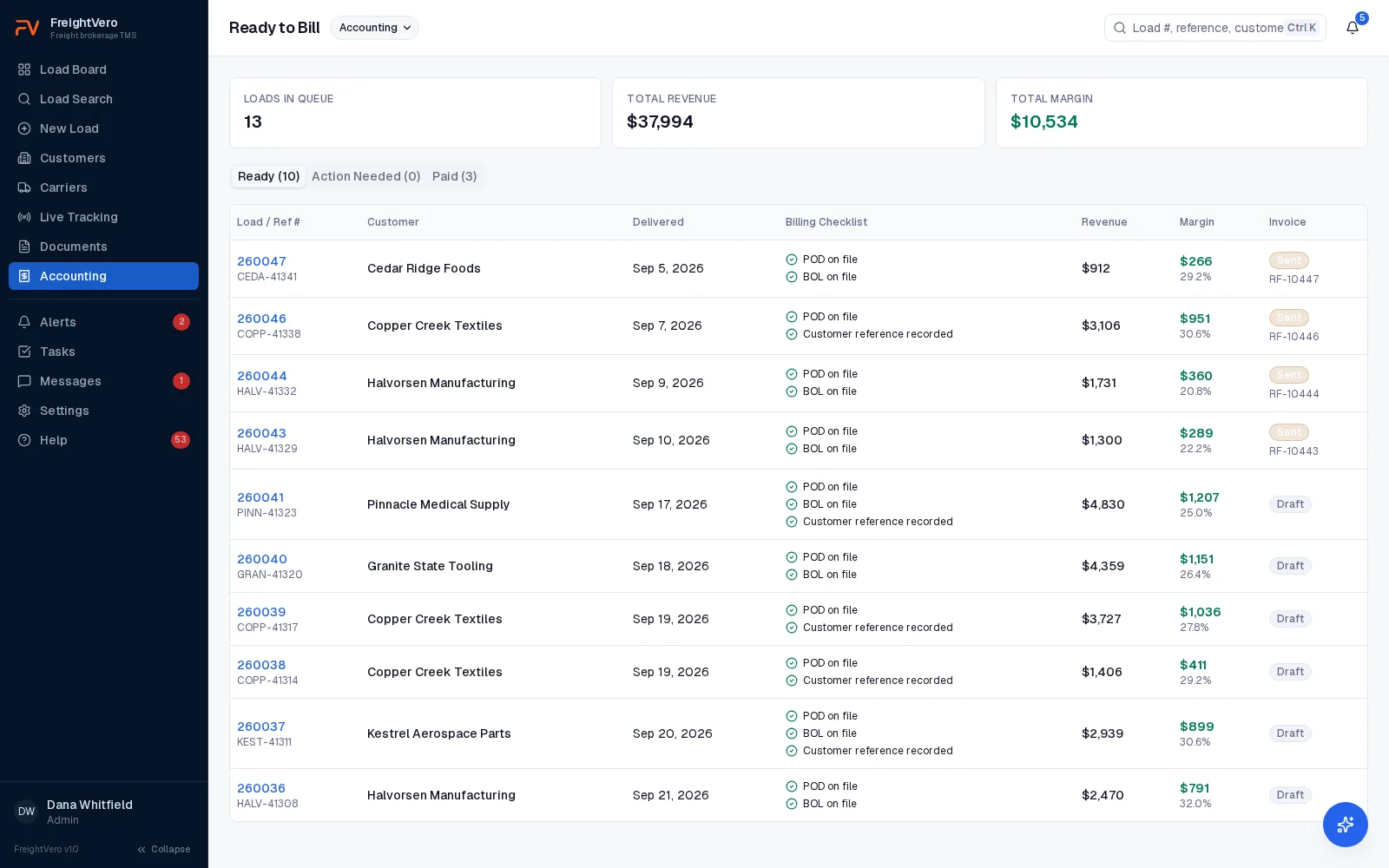
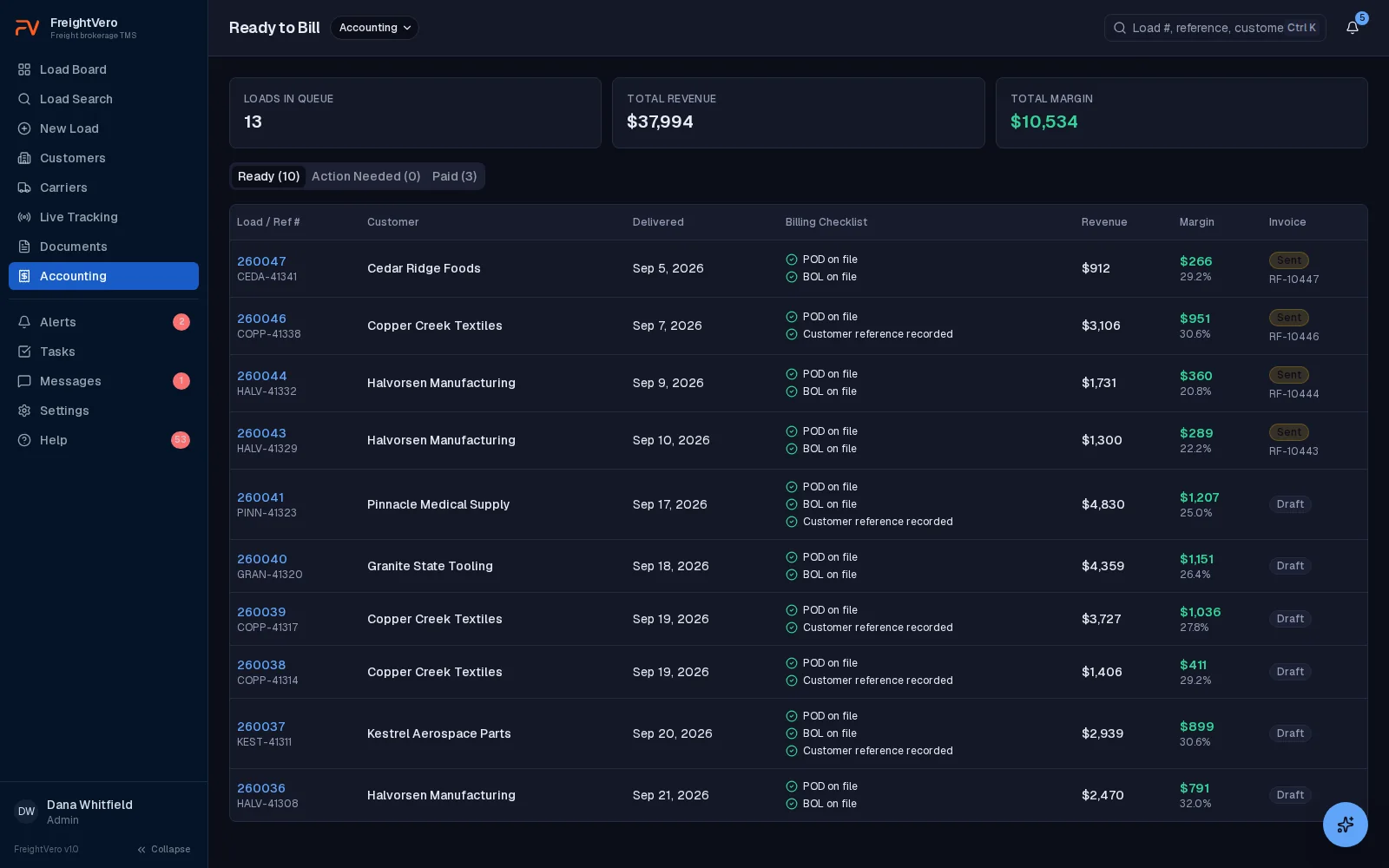
Every delivered, unbilled load sits in one queue, checked against that customer’s paperwork rules. Your billing team sees a missing BOL before the customer’s AP department does.
What FreightVero covers in billing today
If you’re searching for freight broker accounting software, here’s the straight answer: FreightVero doesn’t keep your books. There’s no general ledger, accounts receivable, accounts payable or carrier pay module. Your accounting system stays where it is.
What FreightVero handles is the step between a delivered load and an invoice, where a missing document turns into a rejected invoice. The paperwork has to be complete, it has to match what the customer requires, and billing has to find it without chasing operations.
One queue for every delivered, unbilled load
A load can’t reach Delivered without a POD and the signer’s first and last name. That’s one of the four checkpoints. Once delivered, the load lands in the billing queue with every other delivered, unbilled load.
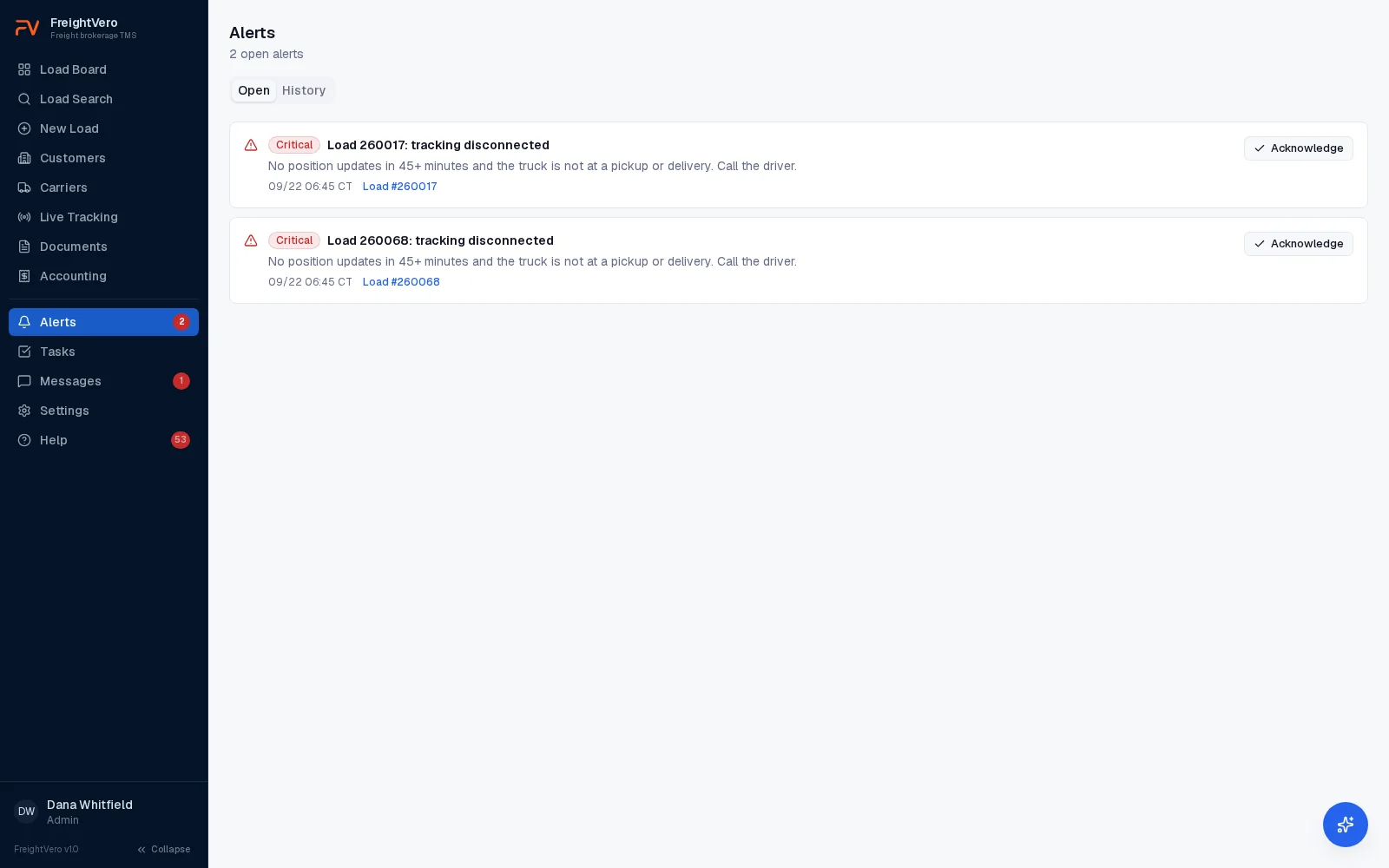
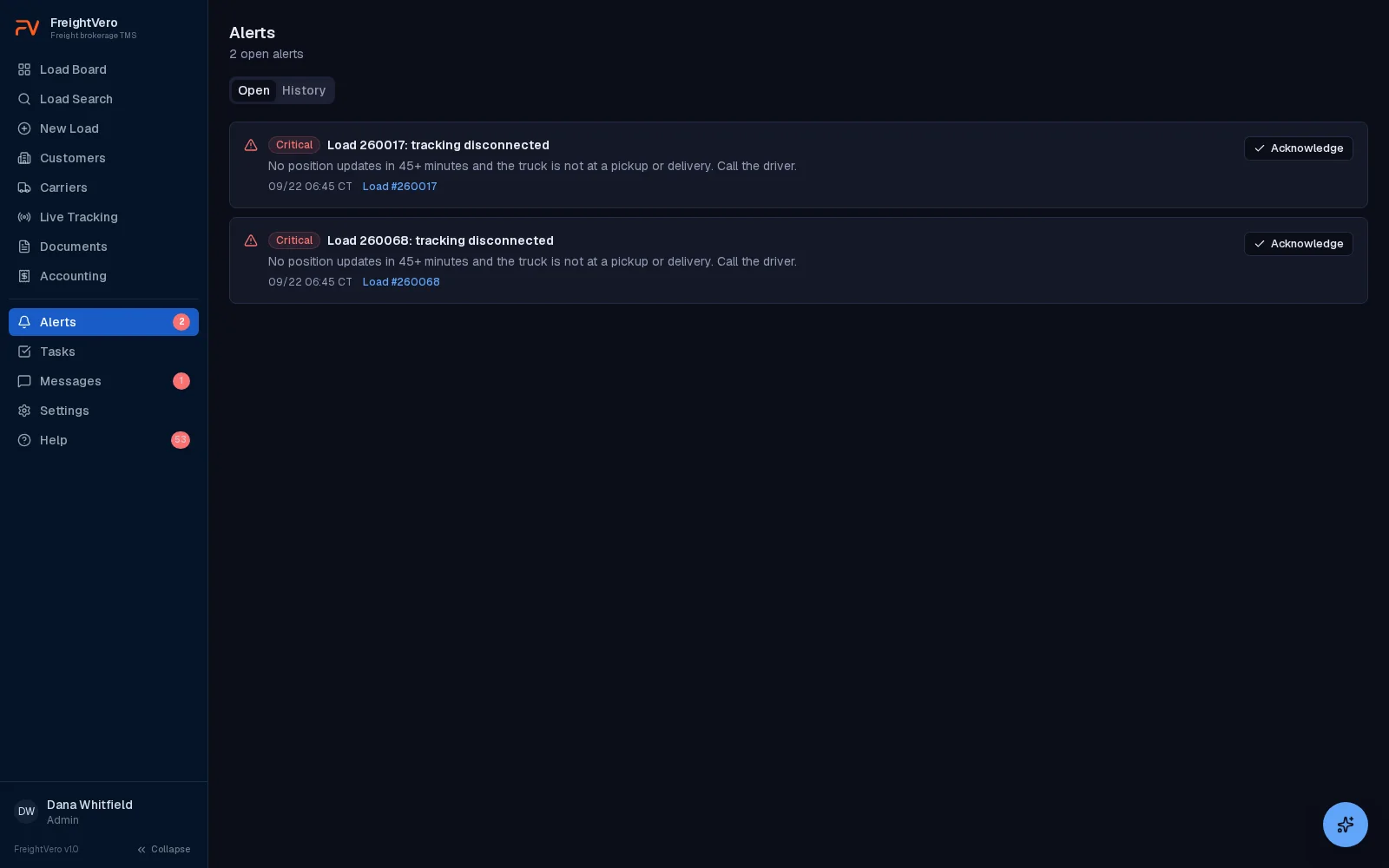
Each load in the queue is checked against that customer’s billing rules. If a customer requires the BOL and the POD with every invoice and the BOL isn’t on the load, the load shows it, and a billing blocked alert goes to the team.
- Billing blocked is one of five alert conditions, on the Growth and Scale plans
- The alert clears on its own when the document is added
- Ready to Bill and Billed are statuses on every load
Billing rules at booking, and a rate that locks once it's billed
Customer billing rules, like which documents an invoice needs, are copied onto the load when it’s created. Change a customer’s rules next month, and loads already booked still bill under the rules in force when they were booked.
The customer rate stays editable while the load is running, along with the customer reference, the PO number, the HAWB, the MAWB and the commodity. Once the load is delivered, only Billing or an Admin can move the rate. Once it’s billed or cancelled, nothing is editable. A customer reference that already sits on another load for the same customer is caught before it saves, the same check load entry uses.
Every edit lands in the audit log naming the field, the old value and the new value. Money reads as money and IDs resolve to real customer, carrier and user names, so a rate change reads as a rate change instead of a row of identifiers. That is what makes an editable rate safe to hand a billing team.
- Rules copied onto each load by the database at creation
- Payment terms and billing method on each customer
- Rate changes after delivery limited to Billing and Admin
- The field, the old value and the new value on every logged edit
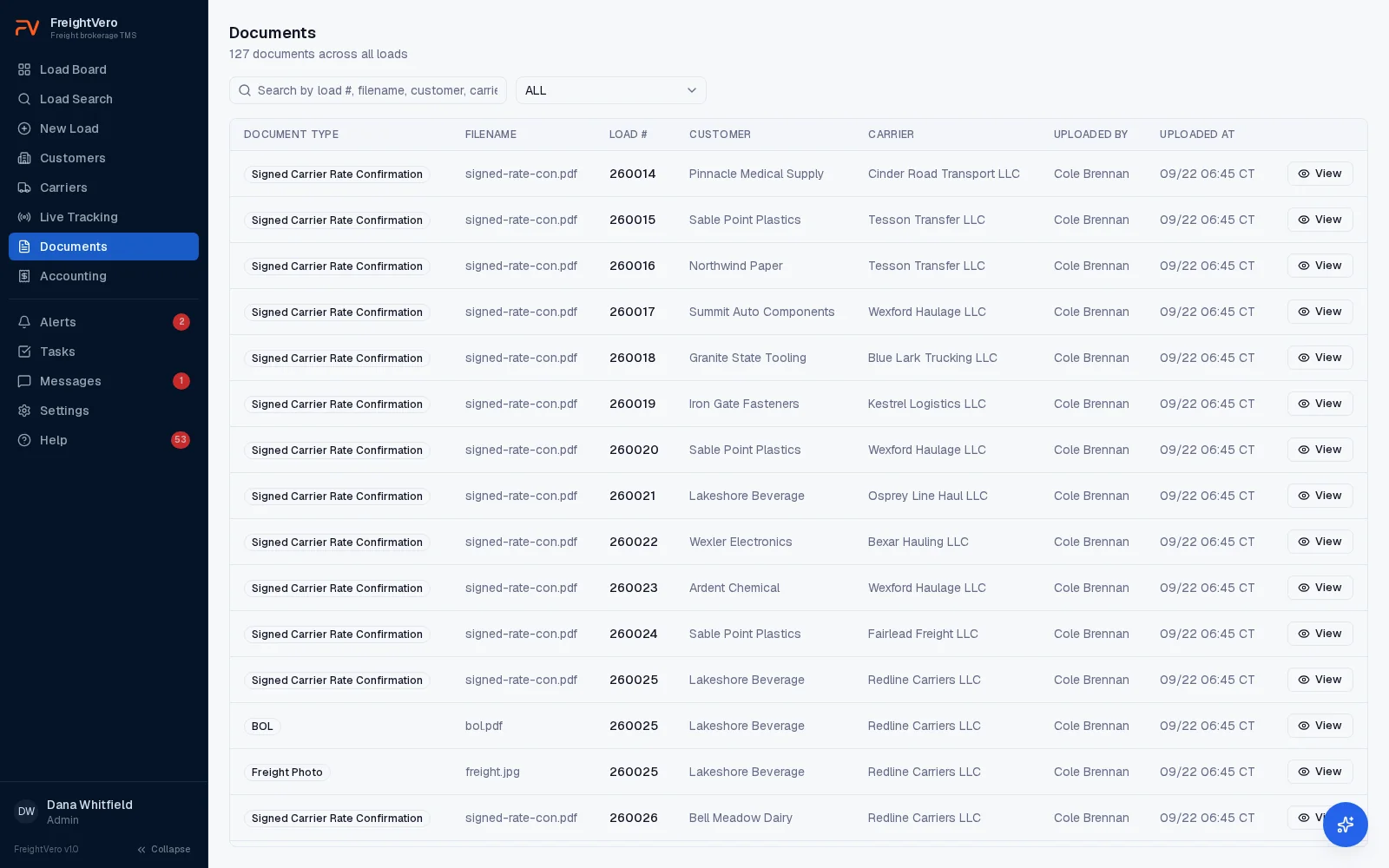
The documents billing needs, and who gets them
Rate cons and their versions, signed rate cons, BOLs, freight photos and PODs all sit on the load. They’re stored privately and open through links that expire. Billing doesn’t dig through an inbox to find the signed proof of delivery, and doesn’t have to ask ops which rate con version the carrier agreed to.
Five load events now email the salesperson assigned to the load: carrier dispatched, arrived at pickup, delivered, cancelled, and carrier fall-off. The POD and the freight photos ride on the message as attachments, so a delivery notice forwards straight to the customer without anyone opening the TMS. Carrier paperwork is never attached, so a carrier rate con doesn’t reach a customer by accident. See customer updates for what each message carries.
Revenue and margin show on each load. On Growth and Scale, reports cover volume, margin, on-time performance and tracking coverage.
From delivered to invoiced
The Delivered checkpoint
The load can’t be marked delivered until the POD and the signer’s first and last name are on file.
The billing queue
The delivered load joins the queue and is checked against the billing rules copied onto it at booking.
Close the gaps
If a required document is missing, the load shows it. Upload the document and the billing blocked alert clears.
Invoice in your accounting system
Your team invoices from the system it uses today, with every document already on the load. The QuickBooks Online integration is built and waiting on Intuit’s approval.
QuickBooks and invoice sending
The QuickBooks Online integration is built and waiting on Intuit’s approval, so nothing syncs between FreightVero and QuickBooks yet. QuickBooks Desktop isn’t covered. Sending invoices from FreightVero is planned. Until then, your team creates and sends invoices in your accounting system, working from the billing queue.
Billing tools by status
Billing queue Live
Every delivered, unbilled load in one place.
Customer billing rules Live
Required documents per customer, copied onto the load at booking.
POD checkpoint Live
A POD and the signer’s full name before a load reaches Delivered.
Billing blocked alerts Live
Raised when a delivered load is missing what its customer requires, and cleared when it’s fixed.
Billing user role Live
One of four roles, alongside Admin, Operations and Sales.
Status emails to the sales desk Live
Dispatched, at pickup, delivered, cancelled and carrier fall-off, sent to the salesperson on the load with the POD and freight photos attached.
Audit log on every edit Live
The field, the old value and the new value, with money formatted as money and IDs resolved to real names.
Rate locked once billed Live
The customer rate is Billing or Admin only after delivery, and nothing is editable once a load is billed or cancelled.
QuickBooks Online integration In development
Built and waiting on Intuit’s approval. No invoice or bill sync yet.
Invoice sending Planned
Sending invoices to customers from FreightVero.
EDI invoicing Planned
Invoices to customers who require EDI.
Related pages
 Customer status updatesThe five load events that email your sales desk, with the POD attached.GuideAccessorial charges explainedDetention, TONU, layover and lumper, and how they hit the invoice.GlossaryFreight factoringHow factoring and quick pay work for carriers and brokers.Broker TMSBroker TMS overviewEverything live in FreightVero today.
Show us how your billing team closes a load
Book a demo and we’ll walk a delivered load into the billing queue and through the customer’s document rules.
Frequently asked questions
Can FreightVero replace QuickBooks?
No. FreightVero doesn't keep a general ledger, receivables or payables. It prepares loads for billing and checks the paperwork. Keep your accounting system. The QuickBooks Online integration is built and waiting on Intuit's approval, and QuickBooks Desktop isn't supported.
Who can change the rate on a load?
Anyone with edit rights while the load is running. Once the load is delivered, the customer rate is Billing or Admin only, and once the load is billed or cancelled nothing is editable. Every change writes the field, the old value and the new value to the audit log, with money formatted as money and customer, carrier and user IDs resolved to names.
What does a billing blocked alert mean?
A delivered load is missing something its customer's billing rules require, such as a BOL. The alert stays open until the document is on the load, then clears on its own. Alerts that clear themselves are recorded separately from ones a person acknowledged.
Does FreightVero pay carriers or handle quick pay?
Not today. Carrier pay and accounts payable aren't built, so carrier invoices and payments stay in your accounting or factoring setup. See the freight factoring glossary entry for how quick pay and factoring usually work.
Where does margin show up?
Revenue and margin show on each load, and a Show Financials toggle puts them on the load board or hides them. Growth and Scale plans add reports for volume, margin, on-time performance and tracking coverage. See pricing.
Does the customer get the POD automatically?
The delivered email goes to the salesperson assigned to the load with the POD and the freight photos attached, and they forward it to the customer. Carrier paperwork is never attached to those messages. See customer updates.