Early access
A customer portal for freight brokers, in early access
The FreightVero customer portal is a shipper portal designed to let your shippers check load status and pull their own documents. It’s in early access and not live yet.
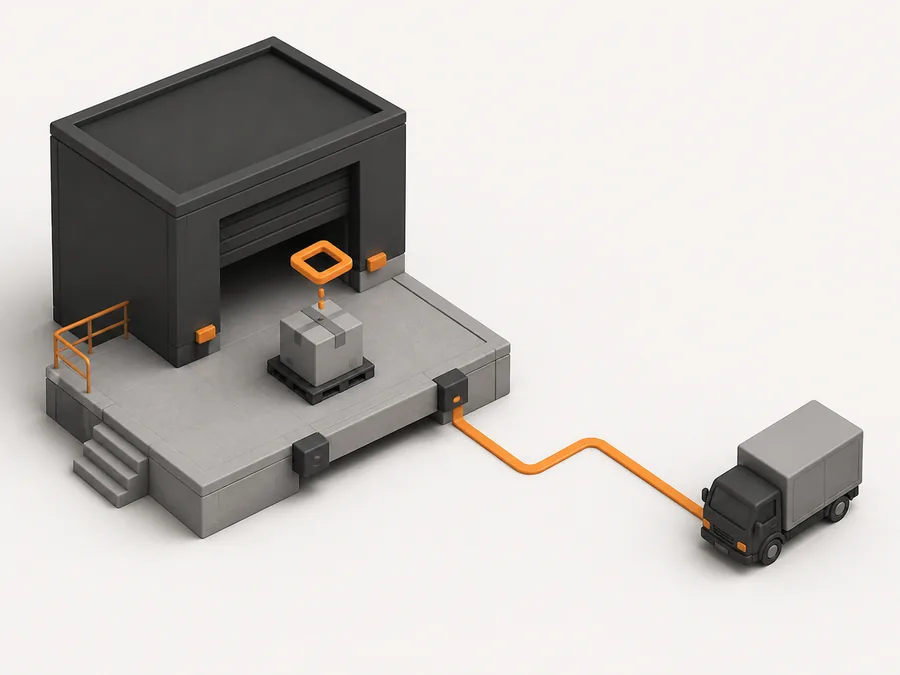
The calls a portal should take off your plate
Ask an account manager what eats their day and “where’s my load?” comes up fast. A shipper wants the ETA. Then a copy of the POD. Then the BOL for their accounts payable team. Each one is a call or an email that someone answers by opening the TMS and reading it back.
Most of that information already sits on the load in the FreightVero broker TMS: status and milestones, tracking, and documents. The portal is designed to show each customer their own slice of it, so your team spends that time covering freight instead.
What the portal is designed to show
Design intent, not shipped features. Early-access brokerages help set what the first release includes.
Load status and milestones Early access
Designed to show each load’s status from dispatch through delivery, using the same milestones your team sees.
Tracking progress Early access
Designed to show where a load stands on loads that have live Load Market tracking.
Documents Early access
Designed to let customers download the POD and BOL once they’re on the load, without asking your billing team.
Only their own loads Early access
Designed so each customer sees only their own loads, on top of the company-level data isolation FreightVero already enforces in the database.
Your brokerage's name on it Early access
Designed to carry your branding. White-label branding is in development in the broker TMS.
What it builds on, live today
The questions shippers ask, and where the answers live today
Everything in the right-hand column is live in the broker TMS. The portal is designed to put it in front of the shipper.
| What the shipper asks | Where the answer lives in FreightVero today |
|---|---|
| When does it pick up? | Stop appointments or windows on the load, with the time zone set from the address |
| Where’s the truck? | Load Market tracking and ETA risk on the load |
| Did it deliver? | The Delivered status, which requires a POD and the signer’s first and last name |
| Can you send the POD? | The documents list on the load |
| Can you send the BOL? | The documents list on the load |
Where it stands today
The customer portal is in early access. Shippers can’t log in to FreightVero today, and there’s no customer tracking page. Your team sees all of this information on the load board and load detail today. Status emails to your own sales team, sent when a load is dispatched, arrives at pickup or delivers, are in development.
Why a delivered status should mean something
A portal is only as good as the data behind it. If a TMS lets someone mark a load delivered with no POD on file, the shipper sees “delivered” and then waits a week for the paperwork.
FreightVero’s Delivered checkpoint requires the POD and the signer’s first and last name before the status changes. So when the portal is designed to show a load as delivered, the POD is already there to download. That’s the reason we’re building the portal on top of database-enforced checkpoints rather than as a separate tracking page.
How early access works
Join the list
Tell us how many shippers you work with, how they ask for updates today, and which documents they request most.
Walk through your customer calls
We look at the questions your account team answers every day and which ones a portal could handle.
Shape the first release
Early-access brokerages help decide which fields shippers see and what to fix before the portal opens up to everyone.
Join customer portal early access
Tell us how many shippers you’d put on a portal and what they ask your team for most. That decides what ships first.
Related pages
 AI customer updatesThe agent that sends load status updates to customers.Broker TMSLive trackingThe Load Market tracking and ETA risk the portal is designed to draw on.GlossaryProof of deliveryWhat a POD should show and why shippers ask for it.Who it is forMid-size brokeragesHow FreightVero fits a growing account team.
Frequently asked questions
Will the portal replace customer update emails?
It's designed to cut down the routine ones. The AI customer update agent is live and handles outbound status updates today. Status emails to your own sales team are in development. See AI customer updates.
Will customers see my carrier rates or margin?
The portal is designed to show a customer their own loads, status and documents, and to keep carrier rates and margin out of view. Exactly which fields appear is one of the things early-access brokerages help decide.
Does the portal need EDI?
No. The portal is designed for shippers who would rather log in than set up an integration. EDI, for customers who send tenders and expect status electronically, is a separate integration that's planned. See EDI.
What will the customer portal cost?
Pricing for the portal isn't published yet, and we'll share it with early-access brokerages directly. For reference, broker TMS plans start at $349 per month with no per-load fees on any plan. See pricing.