Live tracking Live
Load tracking software that flags the truck that goes quiet
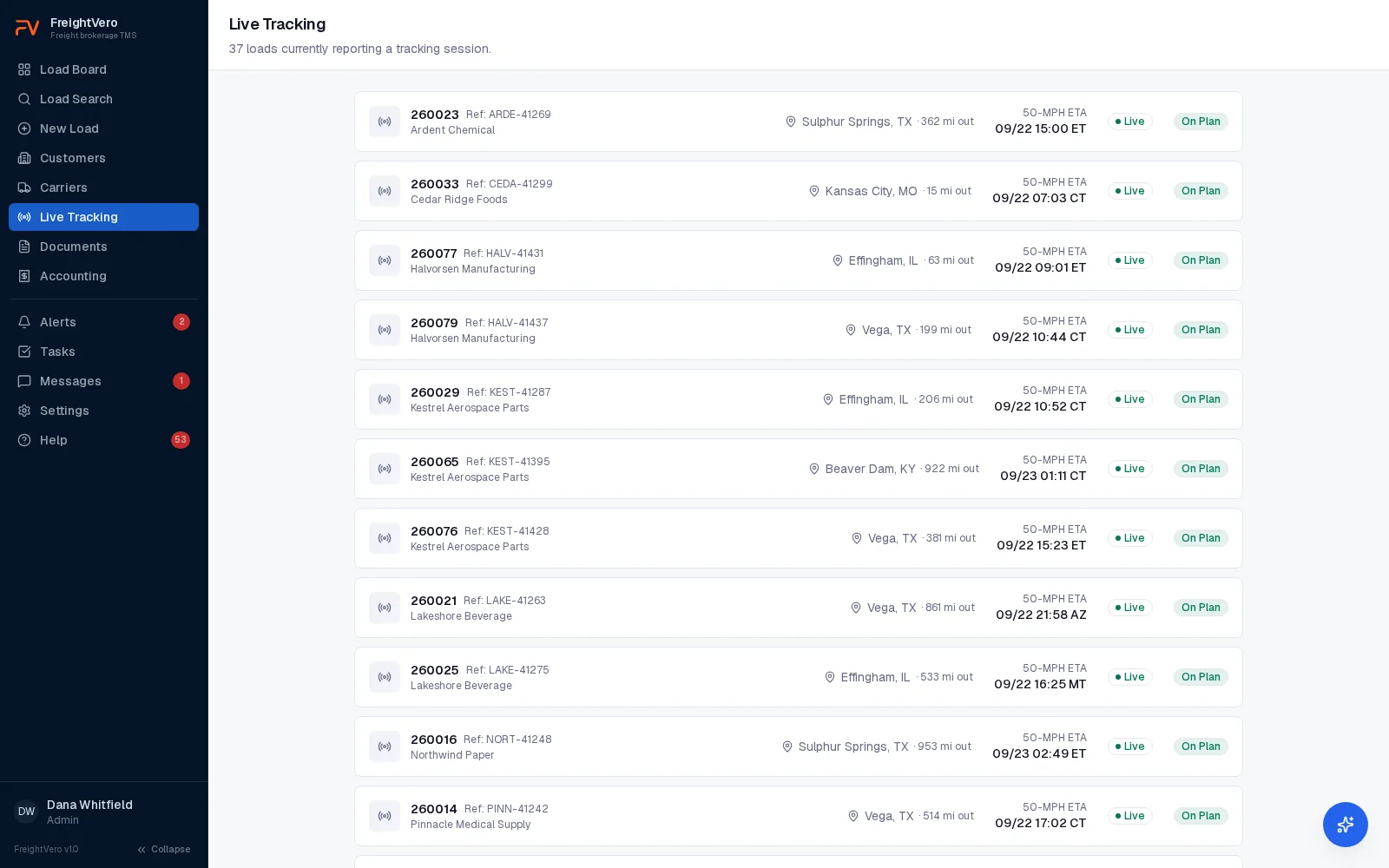
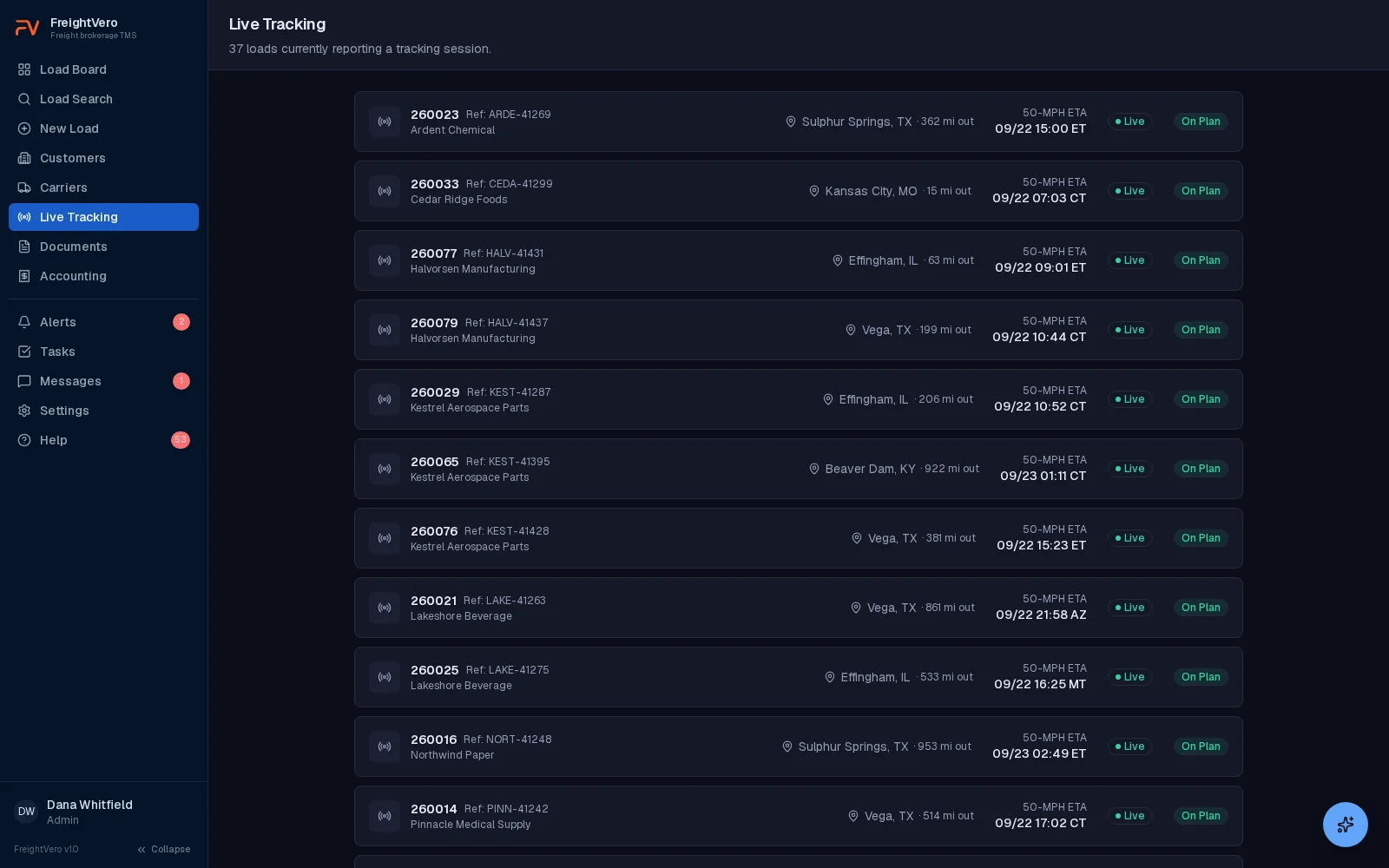
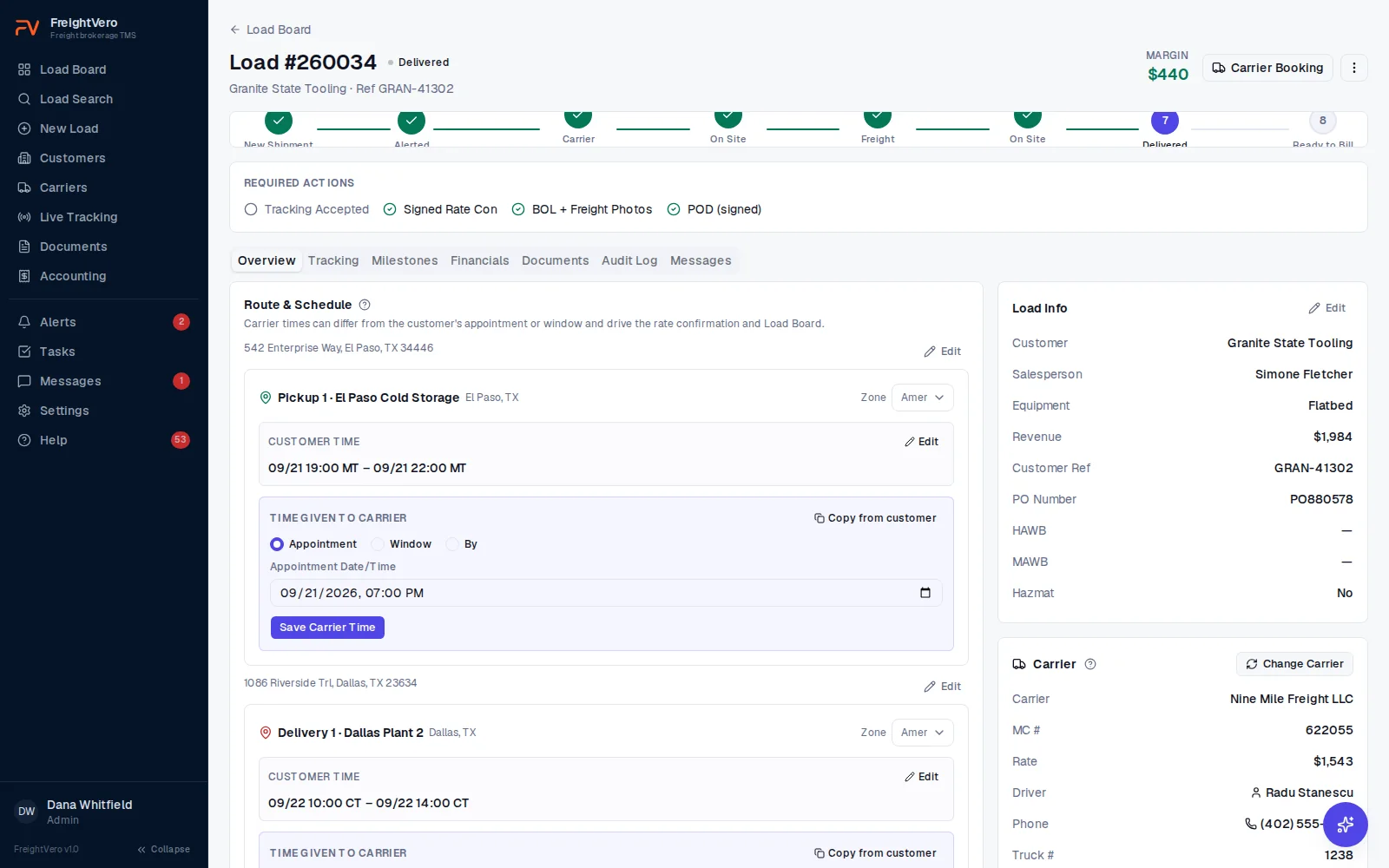
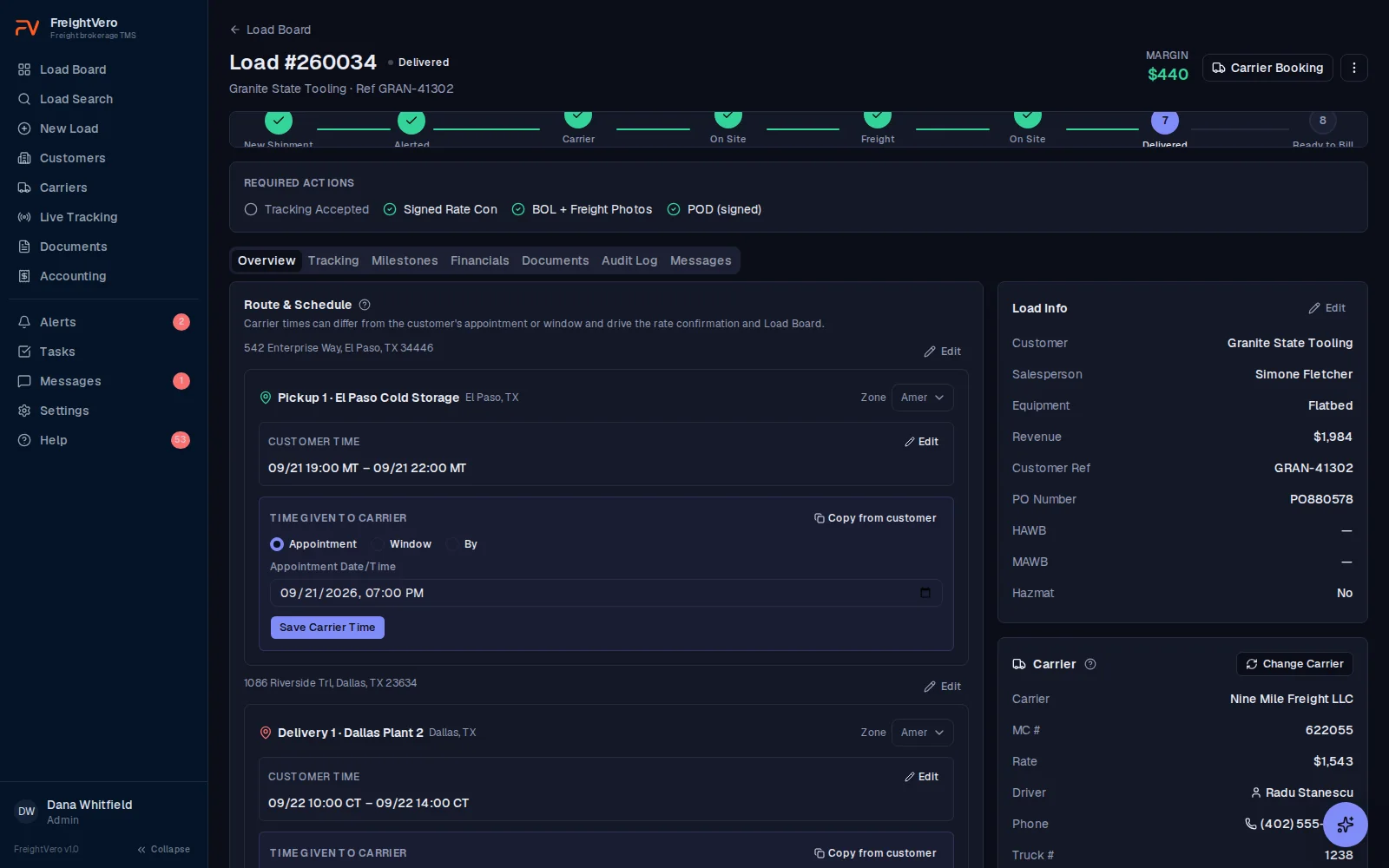
Send a Load Market tracking request from the load. FreightVero puts the truck on the driving route, checks the ETA against the carrier’s appointment, colors the risk, and flags any truck that stops reporting.
How tracking starts
From the load, send a tracking request to the driver’s phone through Load Market. The driver accepts it in Load Market on their own phone. The tracking reference reads carrier name plus load number, so the driver and the carrier’s dispatcher know which load it belongs to.
A tracking session can run for up to five days. Positions arrive on the load with the city and state, and duplicate positions are dropped. When the driver confirms arrival on site, the load’s status moves on its own.
On the load board, the tracking indicator carries the truck’s speed in MPH right beside it, even before a city is reported. A truck at 62 is rolling. A truck at 0 is worth a call.
Every brokerage holds its own Load Market credentials, so tracking runs under your account and your own tracking references, not a shared one.
Accepted tracking is also part of the Alerted checkpoint, so a load isn’t set up until tracking is in place or an authorized user overrides it with a reason. That rule is covered on the workflow enforcement page.
The map draws the real route
Open a load and the map draws the actual driving route along the roads, with pickup, delivery and the truck’s current position on it. You can see at a glance whether the truck is running the lane you booked or sitting somewhere it has no reason to be.
If the routing service is briefly unavailable, the map falls back to a straight dashed line between the stops and keeps showing the truck and both ends. No error message, no blank box where the map should be.
Times on the tracking tab carry the stop’s real time zone and say which one, so a 16:00 delivery in Pendergrass reads as 16:00 Eastern no matter where your dispatcher is sitting. The same is true of the status emails that go to the salesperson on the load.
- Pickup, delivery and the truck’s current position on one map
- A straight dashed line when the routing service is briefly unavailable
- Stop times in the stop’s own time zone, labelled, in military time
ETA risk in three colors
The ETA comes from the truck’s last position, checked against the carrier’s appointment. That’s the time your carrier is working to, which can differ from the customer’s.
| Color | What it means | What your team does |
|---|---|---|
| Green | The ETA leaves more than 30 minutes of cushion before the carrier’s appointment | Nothing. The load shows On Plan. |
| Yellow | The ETA is within 30 minutes of the appointment | Check in with the driver. Warn the receiver if it keeps slipping. |
| Red | The ETA is past the appointment, or tracking is disconnected | Call the driver, then update the customer. The load shows Action Needed. |
How the ETA is calculated
The ETA is a planning number, and you should know how it’s built. It takes the remaining distance at an average of 50 mph, and estimates road miles as 1.2 times the straight-line distance. It doesn’t adjust for driver rest breaks or traffic. Use it to spot a load drifting late, then confirm with the driver.
Quiet trucks get flagged
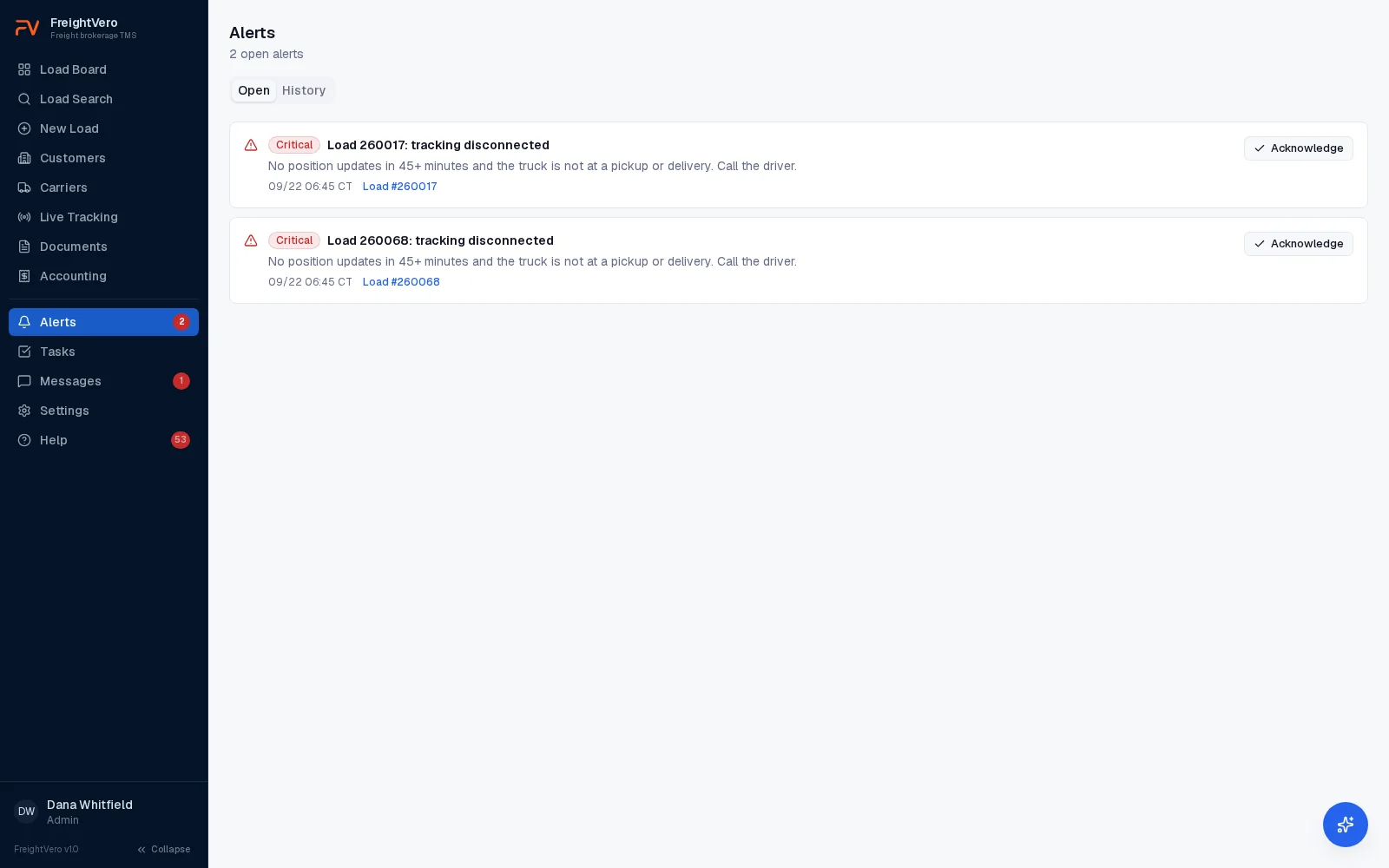
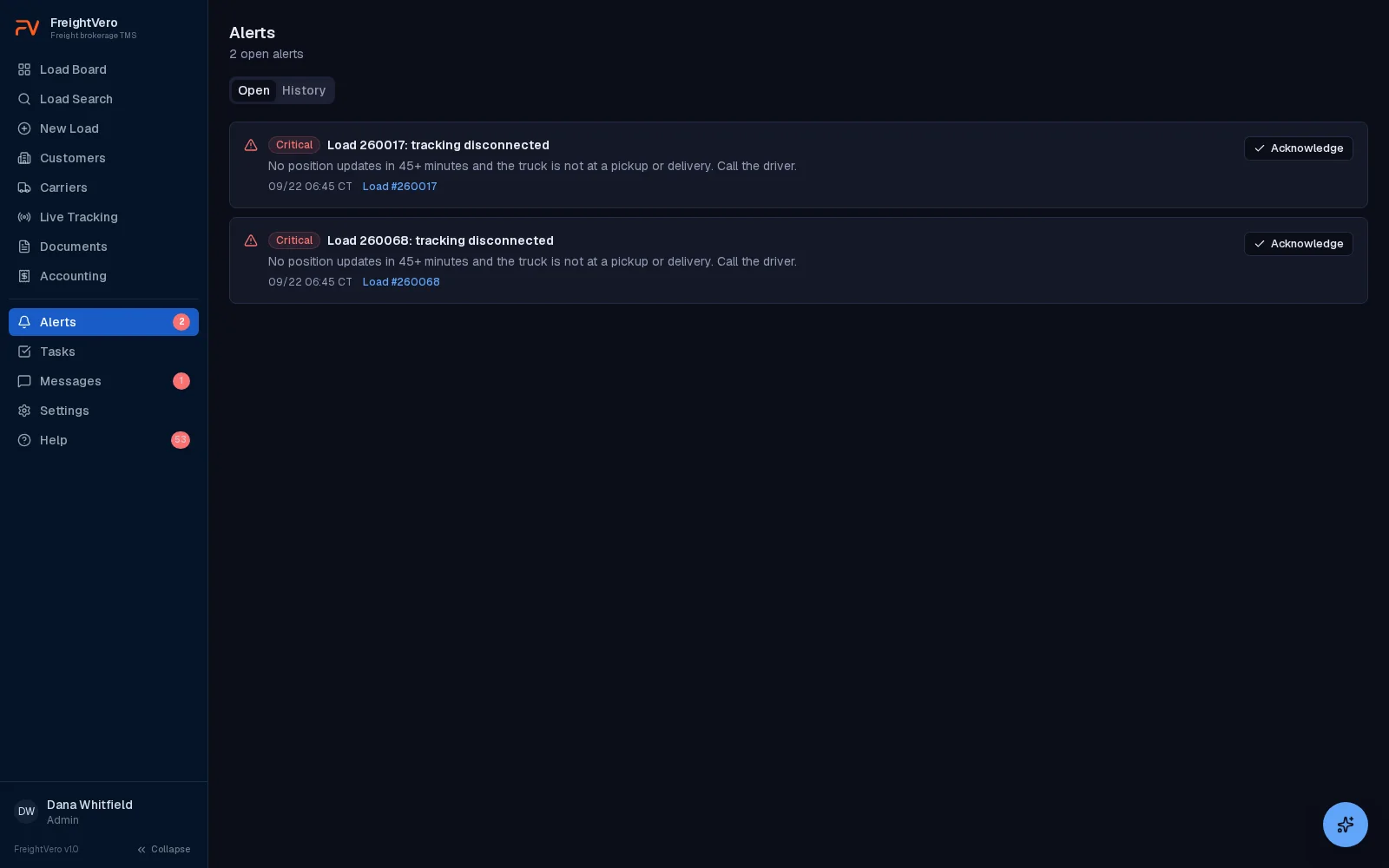
Tracking that goes quiet for 45 minutes gets flagged. The load turns red, and a critical alert tells your team to call the driver. You find out within the hour, instead of when the receiver calls asking where the truck is.
A driver pausing tracking in Load Market also shows as disconnected, not ended, so a paused phone doesn’t look like a finished load. For what to do next, see our guide to load tracking and check calls.
- A tracking declined alert when the driver won’t accept
- Alerts clear on their own when tracking comes back
- Open and history views for every alert
Driver changes and closed loads
Carriers swap drivers. When yours does, reassign tracking to the new driver from the load. The first driver’s tracking history stays on the load, and the change doesn’t use a second tracking credit. Driver and truck details sit on the carrier booking, covered in carrier management.
You can start, stop and refresh tracking from the load at any point. The moment a load is marked delivered or cancelled, tracking ends. It doesn’t wait for the next sweep, so you aren’t still following a truck that has moved on to someone else’s freight.
- Start, stop, refresh and change driver from the load
- Tracking ends the moment a load is marked delivered or cancelled
- Reports include tracking coverage across your loads
Company drivers through BigRoad, in development
If you run your own trucks, BigRoad is how they will report in. The settings screen is live today. An owner opens Settings, Integrations, BigRoad, pastes their own API key, tests the connection and picks their fleet. No developer involved, and the key is held per brokerage.
Truck positions do not flow yet. BigRoad does not publish its API documentation, so the last piece is out of our hands until they do. When it lands, positions arrive in the same place Load Market positions do, which means the tracking tab, the map, the ETA and the alerts all work without being touched.
A shipment has one tracking source. A company truck tracks through BigRoad, a hired carrier through Load Market, never both.
Tracking by status
Load Market is the only live tracking integration today. Live tracking is on every plan.
Load Market tracking requests Live
Sent from the load to the driver’s phone, with carrier name plus load number as the reference.
Route map on the load Live
The driving route along the roads, with pickup, delivery and the truck’s current position. A dashed straight line if routing is briefly unavailable.
Speed on the load board Live
The tracking indicator carries the truck’s speed in MPH, even before a city is reported.
ETA risk colors Live
Green, yellow and red against the carrier’s appointment, shown as On Plan or Action Needed.
Disconnect flag Live
Tracking that goes quiet for 45 minutes turns the load red and raises a critical alert.
Arrival updates status Live
A driver confirming arrival on site moves the load’s status.
Your own Load Market credentials Live
Each brokerage holds its own key, so tracking runs under your account rather than a shared one.
Company drivers through BigRoad In development
The settings screen is live and an owner connects their own fleet. Truck positions do not flow yet because BigRoad does not publish its API documentation.
Macropoint and project44 Planned
Tracking through other visibility providers.
AI check calls Live
The agent that works the loads going yellow or red, with your team in control.
Customer-facing status Early access
A customer portal designed to let shippers see where their loads stand.
Related pages
See a load go from green to red
Book a demo and we’ll walk through tracking requests, the route map, ETA risk and the disconnect alert on a load.
Frequently asked questions
How often does the truck's position update?
Positions come from Load Market as the driver's phone reports them, and we don't publish a fixed update interval. What FreightVero controls is the silence check: tracking that goes quiet for 45 minutes gets flagged, the load turns red, and your team gets an alert.
What does the map show?
The driving route along the real roads, with pickup, delivery and the truck's current position. If the routing service is briefly unavailable the map falls back to a straight dashed line between the stops instead of showing an error or a blank box.
Can I track my own company trucks?
Not yet, and here is exactly where it stands. BigRoad is the connection for company drivers and the settings screen is live, so an owner pastes their own API key, tests the connection and picks their fleet with no developer involved. Truck positions do not flow yet because BigRoad does not publish its API documentation. When they do, positions arrive in the same place Load Market positions do and the tracking tab, map, ETA and alerts work without being touched. A shipment has one tracking source, so a company truck tracks through BigRoad and a hired carrier through Load Market, never both.
Can FreightVero track loads through Macropoint or project44?
Not today. Load Market is the only live tracking integration in FreightVero. Macropoint and project44 are planned, with no release date, and we won't list them as live until they are. The project44 and Macropoint pages carry their current status.
Can my customers see tracking?
Not yet, but they don't have to be in the dark. Tracking is visible to your team inside FreightVero, and status emails go to the salesperson on the load when the carrier is dispatched, arrives at pickup, delivers, cancels or falls off. Extra recipients can be set per customer so the customer's own people are copied, and the times in those emails carry the stop's real time zone and say which one. A customer portal where shippers can check load status is in early access. See the customer portal.
What if the driver won't accept tracking?
The load raises a tracking declined alert and can't pass the Alerted checkpoint on tracking. An authorized user can override the tracking requirement with a written reason, and that override is recorded in the audit log with the user and the time.