Carrier management Live
Carrier management software that holds the line on compliance
Keep carriers, compliance status, drivers and trucks in one place. A load can’t reach Alerted without an approved carrier, and every carrier swap keeps its history.
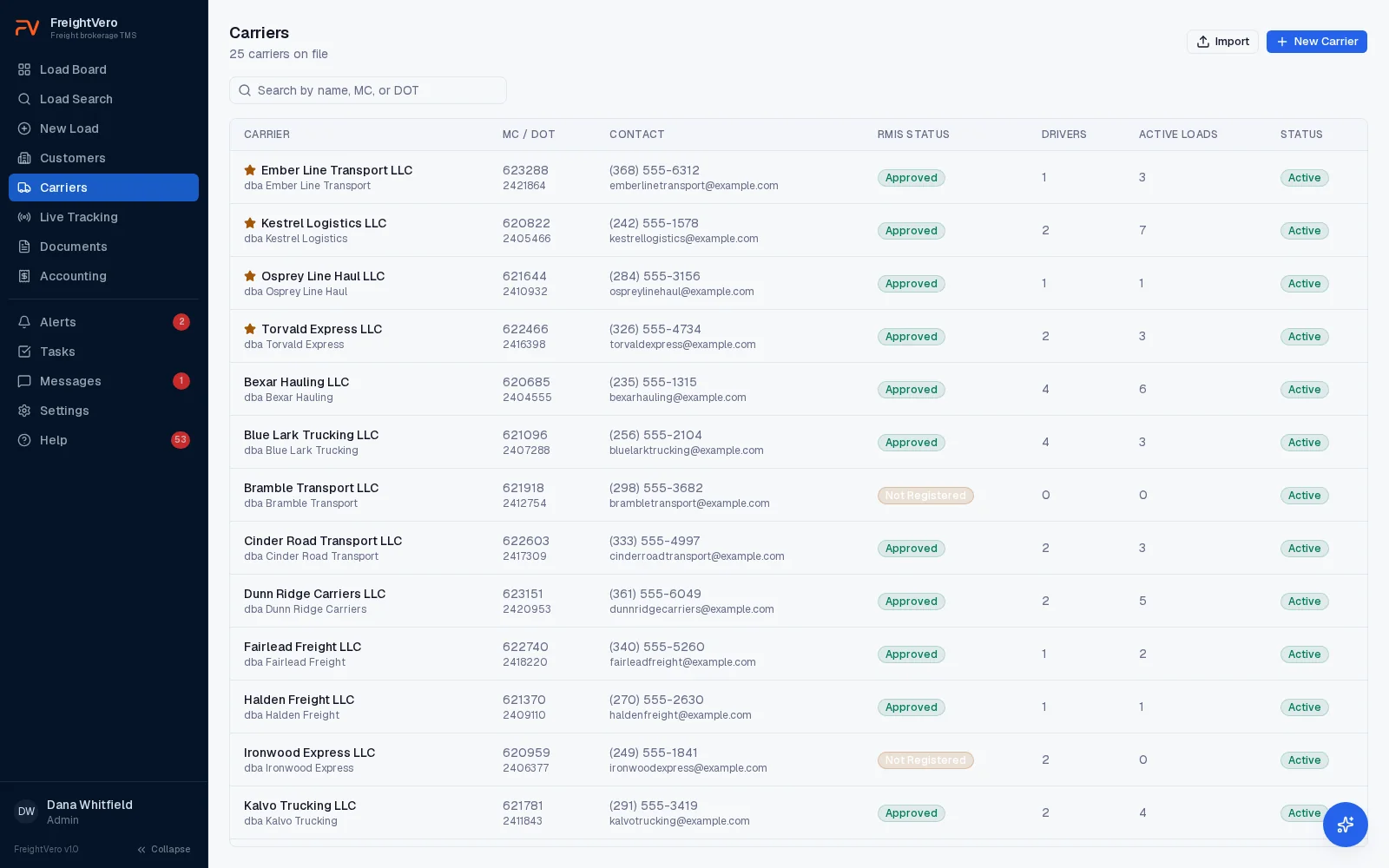
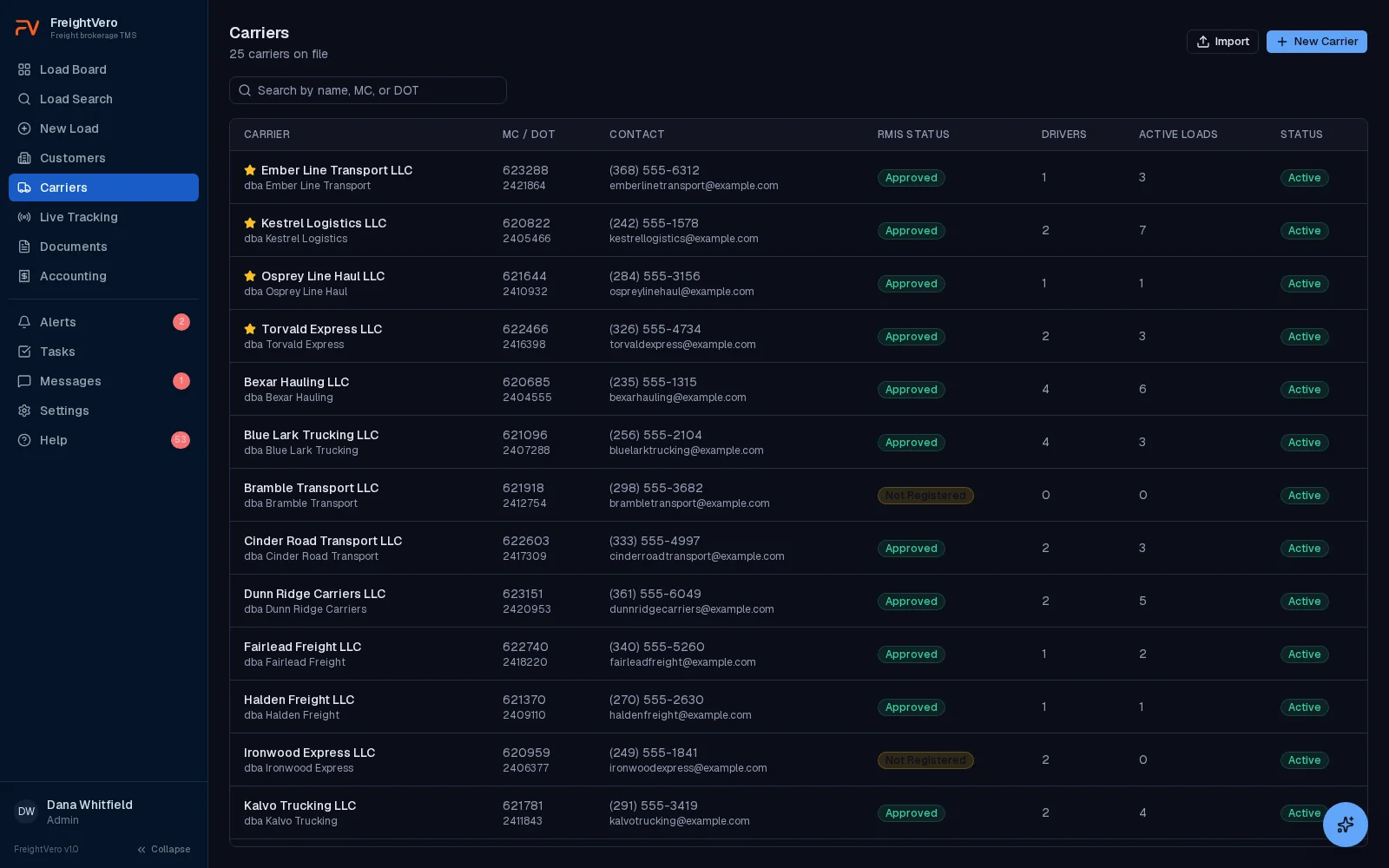
Carrier records your whole team works from
Each carrier record holds the carrier’s name, MC and DOT numbers, contact phone and email, compliance status, drivers and active loads. Search carriers by name, MC or DOT.
The active loads count on each record shows how much of your freight is riding with one carrier right now. That matters on a Monday when a carrier with four of your loads stops answering the phone.
Moving over from another system? Import carriers from a CSV file instead of keying them in one at a time. Customers import the same way. Bulk import is on the Growth and Scale plans, and our TMS migration checklist covers what to export and clean up first.
A compliance status the checkpoint enforces
Every carrier has a compliance status on its record. To move a load to Alerted, the assigned carrier’s status has to be Approved. Any other status stops the load at that checkpoint.
Your team sets the status after its own vetting: operating authority, insurance, safety record and whatever else your onboarding requires. FreightVero enforces that decision on every load. It doesn’t do the vetting for you. The carrier onboarding guide covers what to check.
- Approved or not, visible on the carrier list at a glance
- Enforced for every user and every integration
- Named in the refusal reason when it’s what blocks Alerted
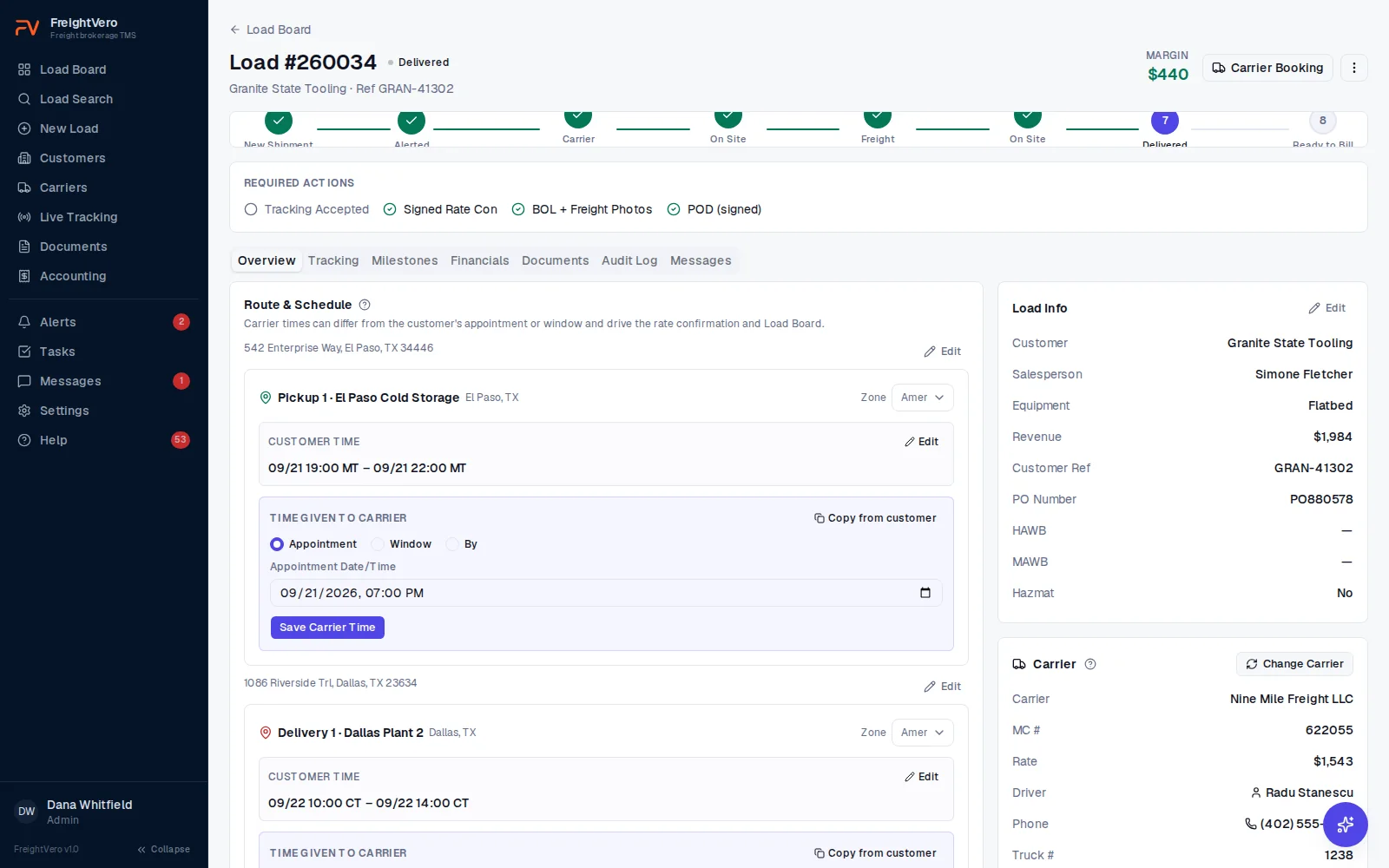
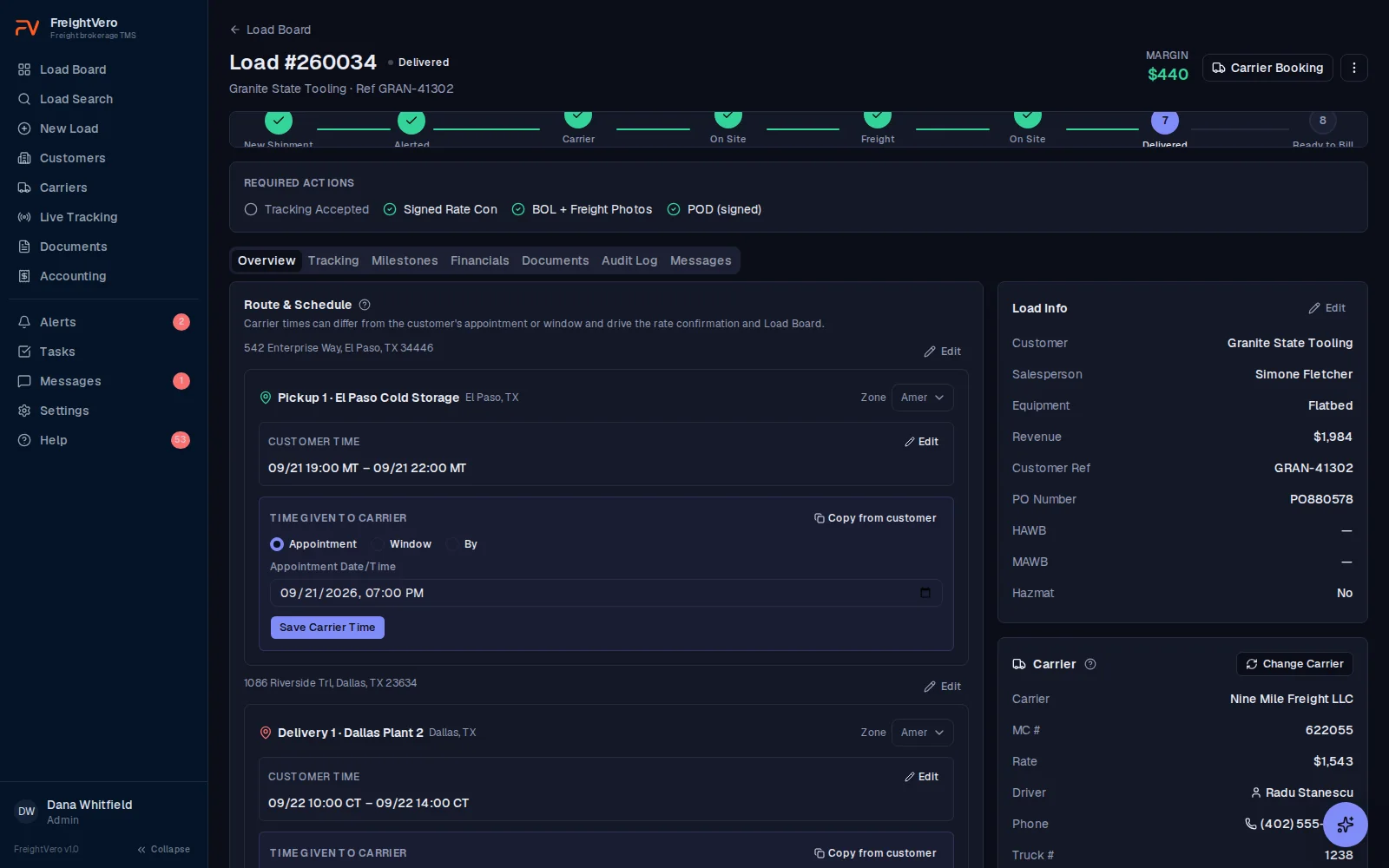
Booking, driver and truck on the load
Book a carrier on the load and record the driver and the truck. The load shows exactly what still blocks it: compliance status, driver and truck details, tracking, the signed rate con.
For a Large Straight Truck, the Alerted checkpoint also asks for a truck photo, so you know what’s showing up at the dock before it gets there.
- Carrier name and MC number on every row of the load board
- Driver changes keep the tracking history
- Truck photos stored with the load’s documents
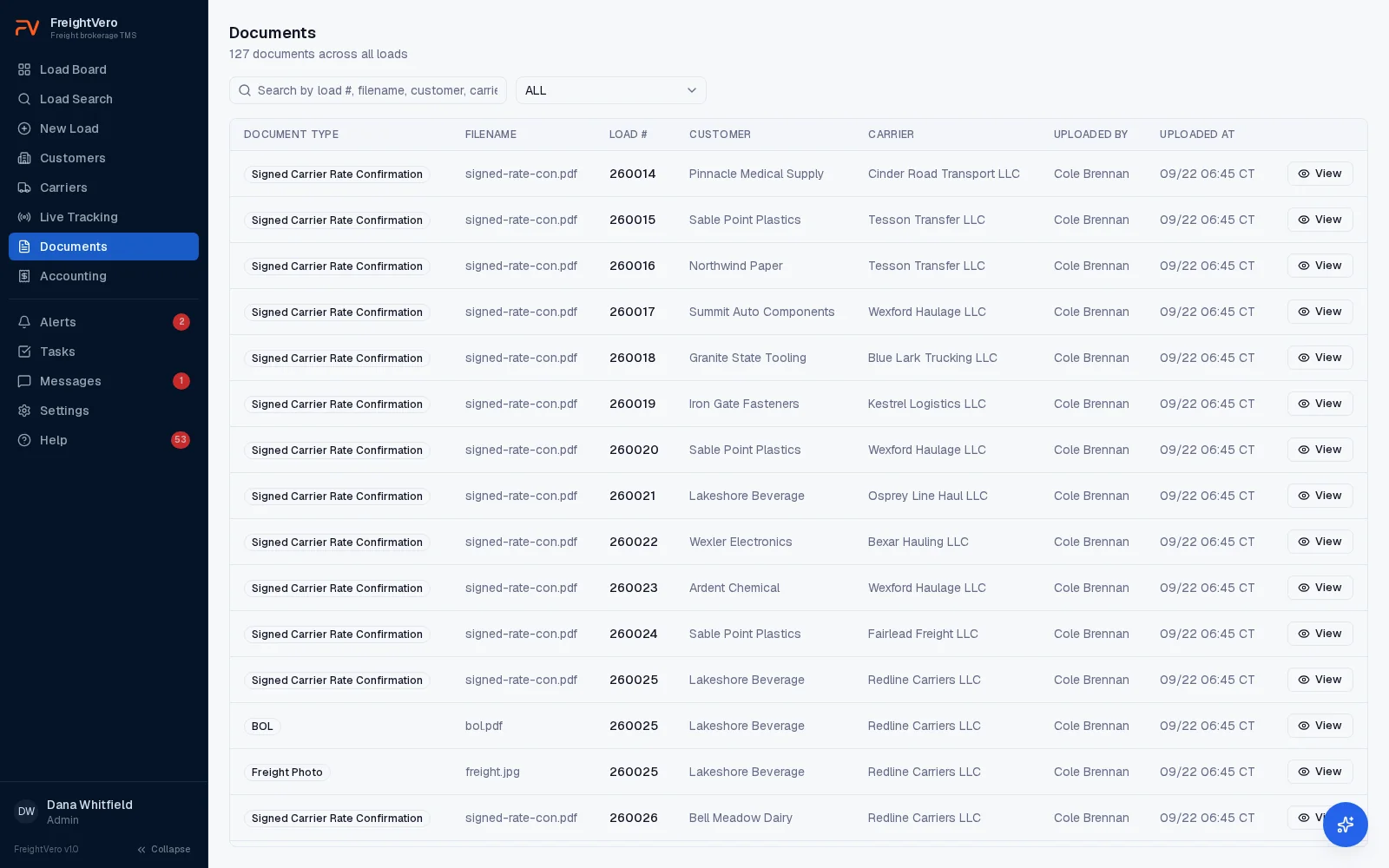
Carrier fall-offs keep their history
When a carrier falls off, swap it from the load. FreightVero requires a reason. The old assignment stays on the load as inactive, with that reason attached, and the audit log records who made the change and when.
The old rate con is voided and the load moves back to an earlier status. The replacement carrier goes through the same checks: Approved compliance status, driver and truck, tracking, and a newly signed rate con. Months later, anyone can open the load and see which carriers were on it and why each one came off. The full rules are on the workflow enforcement page.
What carrier management doesn't do yet
FreightVero doesn’t look up carriers in FMCSA data, and it doesn’t monitor authority or insurance changes. RMIS and MyCarrierPackets integrations are planned, with no release date. There’s no carrier portal and no carrier pay module yet. Carrier search covers the records in your own account.
Carrier tools by status
Carrier records Live
Name, MC and DOT, contacts, compliance status, drivers and active loads.
CSV import Live
Bring carriers and customers over from a spreadsheet.
Compliance status checkpoint Live
An Approved status is required before a load reaches Alerted.
Swap history Live
Old assignments kept with the reason, and the old rate con voided.
RMIS and MyCarrierPackets Planned
Carrier onboarding and monitoring through outside services.
Carrier portal Planned
A place for carriers to see their loads and paperwork.
Load board extension Early access
Designed to show your carrier records and compliance status next to postings on boards like DAT One and Truckstop.
AI carrier sales Live
The agent that drafts carrier responses on posted loads, with your team deciding who gets booked.
Related pages
Swap a carrier on the demo
We’ll book a carrier, pull it off the load, and show you the history and the voided rate con that stay behind.
Frequently asked questions
Can one carrier have several drivers?
Yes. A carrier record lists its drivers, and you record the driver and truck when you book the carrier on a load. If the carrier changes drivers mid-load, tracking moves to the new driver and the first driver's tracking history stays on the load.
How do I stop a carrier from running our loads?
Set the carrier's compliance status to anything other than Approved. A load assigned to that carrier can't pass the Alerted checkpoint, so it stops there until the carrier is approved again or you swap in an approved carrier with a reason.
Does FreightVero help prevent double brokering?
It keeps a clean paper trail: swaps keep their history, rate con versions can't be changed, and the audit log records who did what. It doesn't run fraud or identity checks on carriers today. See double brokering for the warning signs.
Is carrier management on every plan?
Carrier records, booking, the compliance checkpoint and swap history are on every plan, including Starter. Bulk CSV import of carriers and customers is on Growth and Scale. See pricing for the full plan breakdown.