Operations teams
Freight broker operations without the whiteboard
Ops runs on check calls, appointments and paperwork. FreightVero is daily operations software for freight brokers. It shows which loads are at risk, flags tracking that goes quiet, and won’t let a load move without its proof.
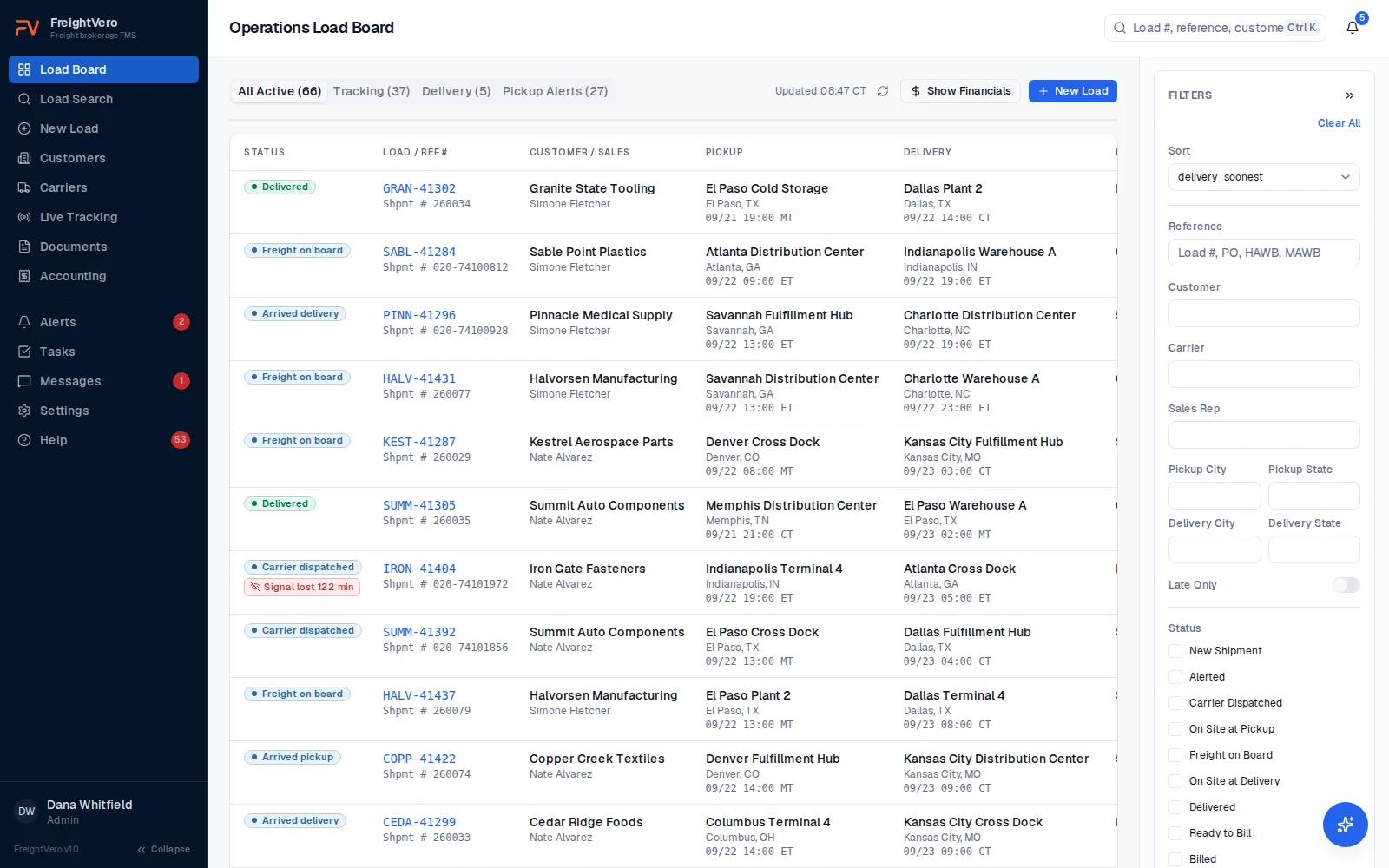
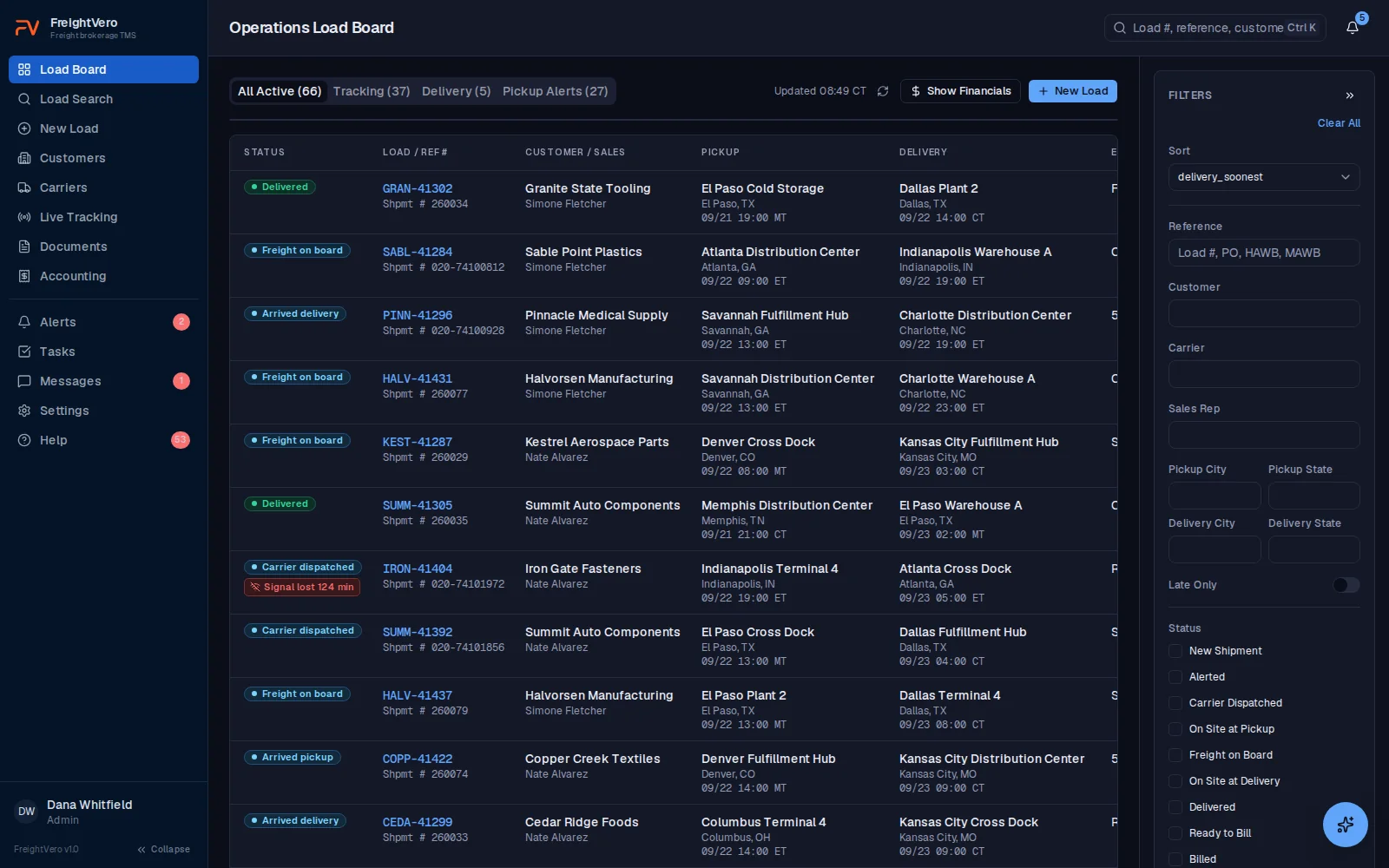
A normal day on the ops desk
The shift starts with the board. Which trucks picked up overnight, which are running late, and which drivers stopped answering around 3 a.m.
Then the check calls start. A driver says he’s 40 minutes out, but the appointment is in 20. A receiver won’t take a load without a lumper. A carrier calls to say the truck broke down, and now you need a recovery carrier and a new rate con.
In between, someone has to chase the BOL photo from pickup and the POD from delivery. Billing is waiting on both.
Every one of those moments is a handoff to your own memory. Miss one and the customer finds out before you do.
What FreightVero takes off your plate
The tracking list sorts loads by risk, so you work the red ones first. A load that’s missing a signed rate con or a POD can’t be marked forward, and the load tells you exactly what it’s waiting for.
For how tracking and ETAs are calculated, see live tracking. For a deeper look at the job itself, read our guide to load tracking and check calls.
Built around the loads that need attention
Live features first. In development and early access items are labeled.
ETA risk on every tracked load Live
ETA from the truck’s last position, checked against the carrier’s appointment. Green, yellow, red.
Quiet tracking gets flagged Live
Tracking that goes quiet for 45 minutes gets flagged and the load turns red. A driver pausing tracking marks it disconnected, and tracking doesn’t end.
Driver changes keep the history Live
Swap the driver mid-load and tracking moves to the new phone. The history stays, and it doesn’t use a second tracking credit.
Alerts that clear themselves Live
Tracking red, disconnected or declined, rate con missing before pickup, and billing blocked. Each alert is raised once per load and clears when the problem is fixed.
Checkpoints with a checklist Live
BOL and freight photos before Freight On Board. POD and the signer’s first and last name before Delivered. The Required actions list shows what’s left.
Tasks, messages and search Live
Load-linked tasks with due dates, staff threads on the load, and search across load numbers, customer references, carriers, drivers and cities.
Help chat that sees your load Live
Ask how something works and the in-app help answers from the docs and the load you’re on, under your own permissions.
Check call and after-hours agents Live
Trace works the loads that go quiet or late and Nox covers the night, with a person approving what they draft.
Work the red loads first
The live tracking list puts every tracked load on one screen with an On Plan or Action Needed badge. Yellow means the ETA is inside 30 minutes of the carrier’s appointment. Red means it’s past the appointment, or tracking has gone quiet.
When a load delivers, tracking ends on its own. Nobody has to remember to stop it.
- Tracking requests sent to the driver’s phone from the load
- Start, stop, refresh and change driver from the load
- Tracking reference uses the carrier name and load number
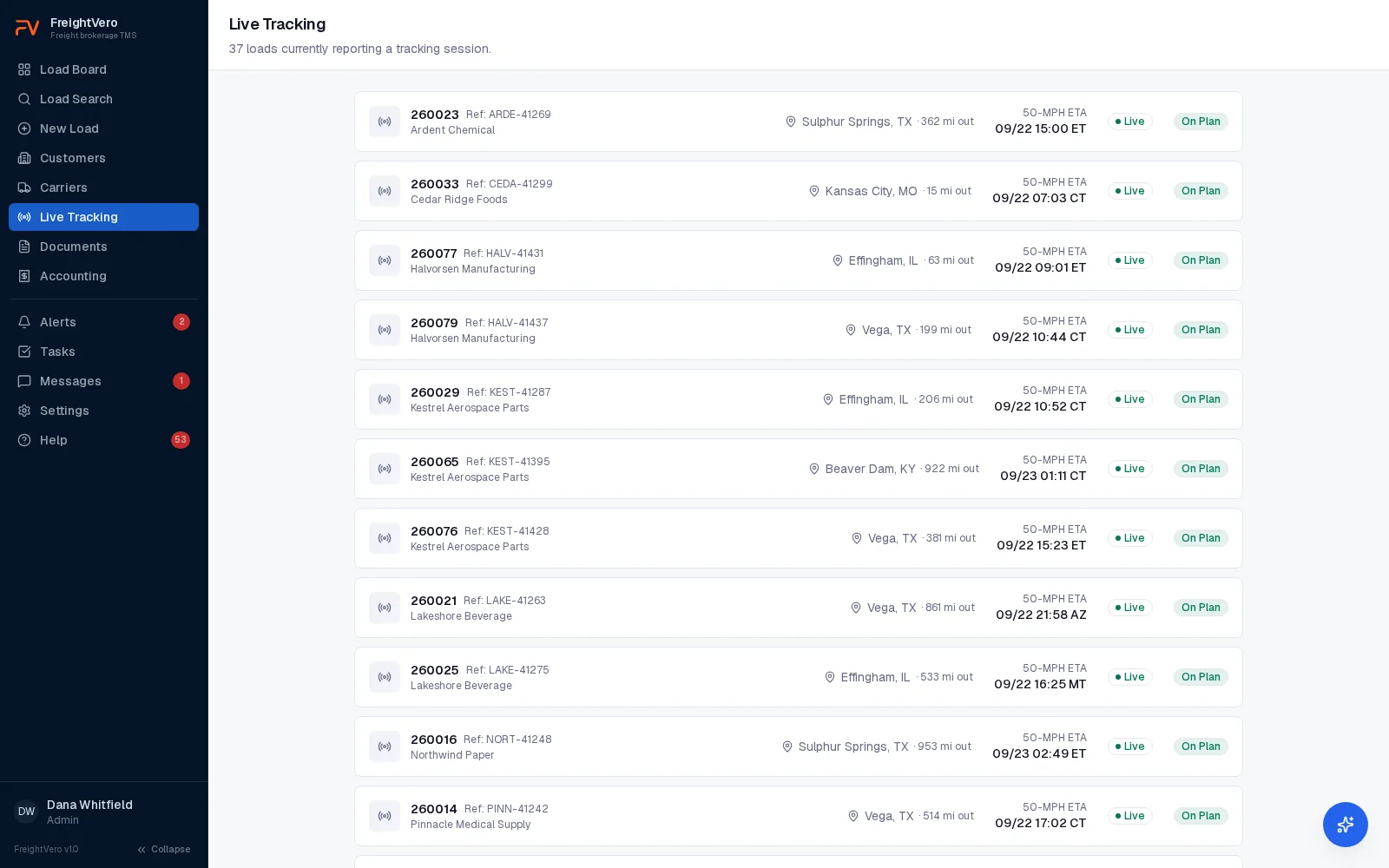
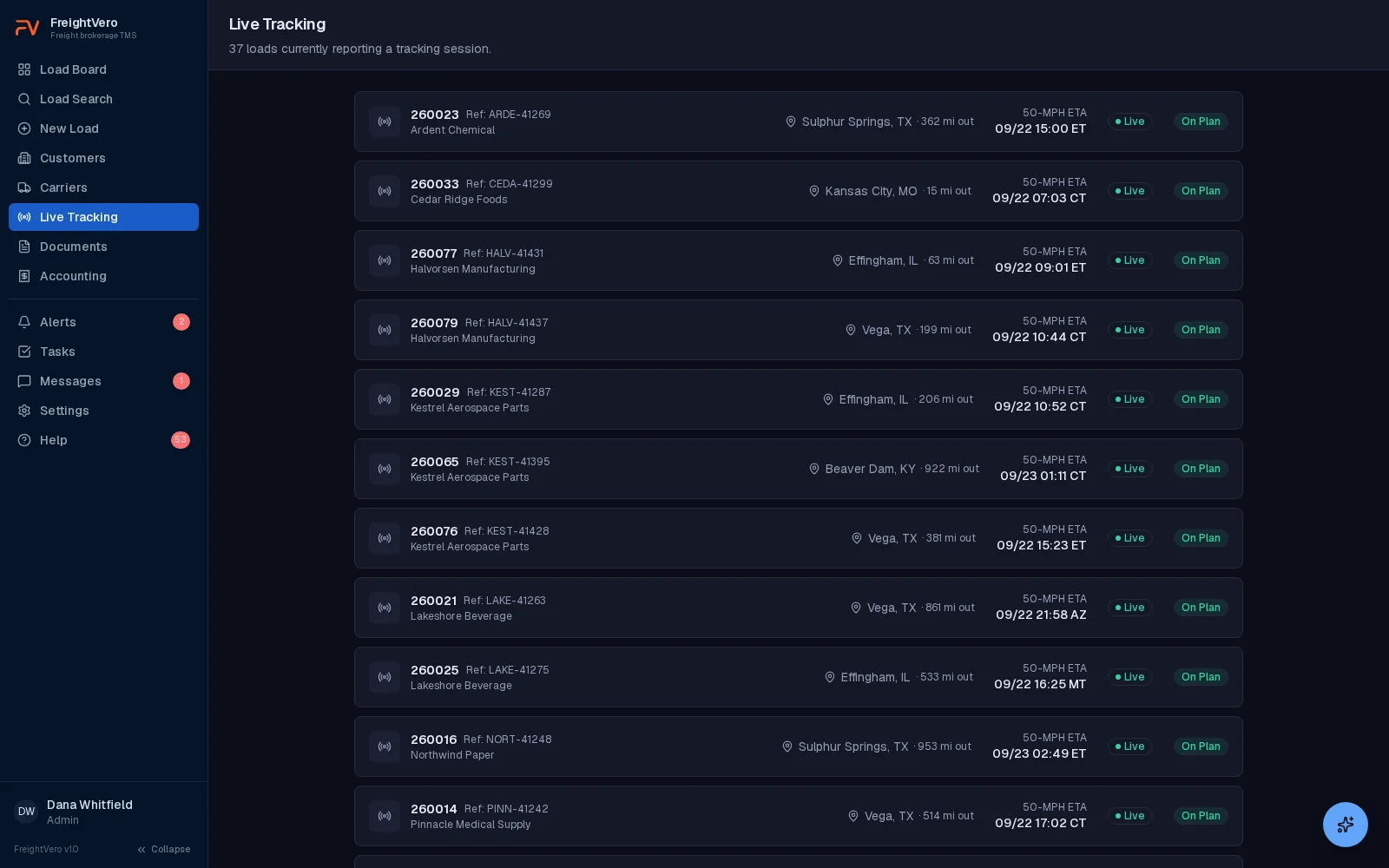

See the tracking list on a demo
We’ll walk through a tracked load from pickup to delivery, including what happens when the driver goes quiet.
Frequently asked questions
Which plan includes live tracking and alerts?
Live tracking is on every plan. Alerts, tasks and messaging are part of Growth ($749/mo) and Scale (from $1,500/mo). Starter ($349/mo) covers load entry, checkpoints, rate cons, documents and the billing queue. No plan charges per load. Details on the pricing page.
Does FreightVero send status updates to our customers?
Not yet. Email notifications are in development. The customer update agent is live. It sends on five events: carrier dispatched, arrived at pickup, delivered, cancelled and carrier fall-off. A customer portal with a load status view is also in early access.
Can we track company drivers or use Macropoint?
Tracking today runs through the Load Market integration, with the driver accepting the request on their own phone. Macropoint and project44 connections are planned and not built. See the integrations page for the status of each.